
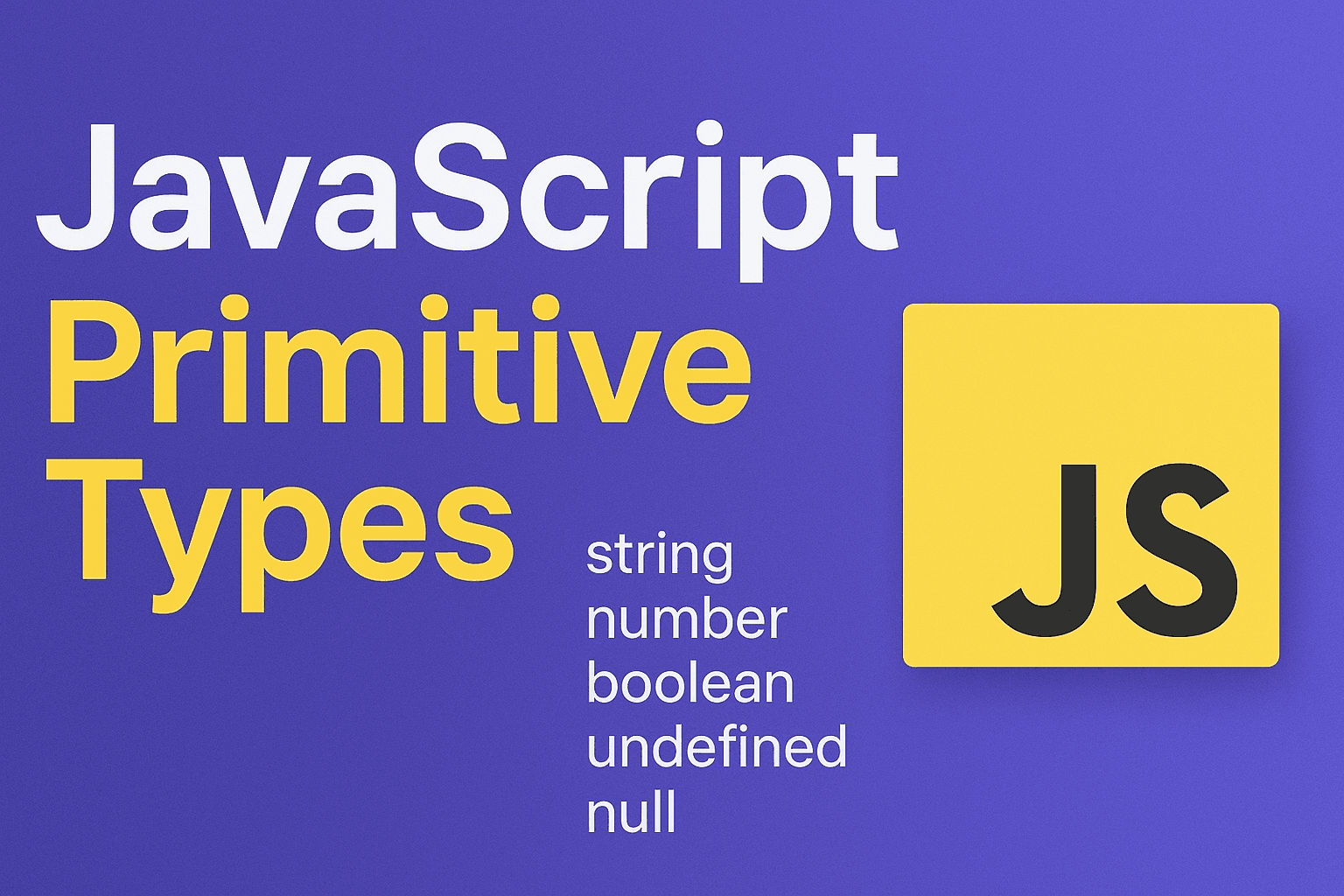
JavaScript has seven primitive types. They form the foundation of the language and behave differently from objects. Understanding them deeply will save you from many bugs and help you write clearer, safer code.
The Seven Primitive Types
- string
- number
- bigint
- boolean
- undefined
- symbol
- null
Each of these is immutable and stored by value. That means when you assign a primitive, you get a fresh copy of the value, not a shared reference.
let a = "hello";
let b = a;
a = "world";

console.log(a); // "world"
console.log(b); // "hello" — b still has its own copy
Strings
Strings represent text. They’re sequences of UTF‑16 code units.
const msg = "JavaScript";
console.log(msg.length); // 10
console.log(msg.toUpperCase()); // "JAVASCRIPT"
Even though you can call methods like .toUpperCase(), strings are not objects. Behind the scenes, JavaScript temporarily wraps them in a String object (this is called auto‑boxing).
let str = "abc";
str.hello = "world";
console.log(str.hello); // undefined — primitives can’t hold properties
Numbers
JavaScript numbers are IEEE‑754 double‑precision floats. That means:
- Integers and decimals share the same type.
- Precision is limited to 53 bits.
console.log(42);        // integer
console.log(3.14);      // float
console.log(1 / 0);     // Infinity
console.log(-1 / 0);    // -Infinity
console.log(NaN);       // Not-a-Number
Quirk: Floating‑point Math
console.log(0.1 + 0.2 === 0.3); // falseThis happens because some decimals cannot be represented exactly in binary.
BigInt
BigInt handles integers larger than what number can safely represent.
const big = 9007199254740991n; // largest safe integer + 1
console.log(big + 2n); // 9007199254740993n
You can’t mix BigInt and number directly:
console.log(1n + 1); // TypeErrorBooleans
true and false are the only boolean values. They often appear as results of comparisons or logical expressions.
console.log(5 > 3); // true
console.log(Boolean("")); // false
console.log(Boolean("js")); // true
Undefined
undefined means a variable has been declared but not assigned.
let x;
console.log(x); // undefined
You’ll also see it as the default return value of functions that don’t explicitly return something.
Null
null represents the intentional absence of any value.
let user = null; // user is intentionally set to nothingQuirk:
console.log(typeof null); // "object" (a historical bug in JavaScript)Symbols
Symbols are unique and immutable identifiers, often used as object property keys.
const id1 = Symbol("id");
const id2 = Symbol("id");

console.log(id1 === id2); // false
They’re useful when you need keys that won’t accidentally clash.
Primitive vs. Object
| Feature | Primitive | Object |
|---|---|---|
| Mutability | Immutable | Usually mutable |
| Equality | Compared by value | Compared by reference |
| Memory | Stored directly | Stored by reference |
Example:
let obj1 = { a: 1 };
let obj2 = { a: 1 };

console.log(obj1 === obj2); // false — different references
console.log(5 === 5);       // true — primitive values compared directly
Gotchas to Watch Out For
typeof null === "object"(long‑standing bug).- Wrappers like
new String("hi")create objects, not primitives. - Numbers can overflow silently:
Number.MAX_SAFE_INTEGERis 2^53 − 1. - Mixing
BigIntandnumberthrows an error. - Strings are immutable — methods return new strings instead of changing the original.
Best Practices
- Prefer primitives for simple data.
- Use
constwhere possible — makes intent clear. - Don’t use wrapper constructors (
new String,new Boolean,new Number). - Reach for
BigIntwhen precision beyond 53 bits is necessary. - Be explicit about
nullvs.undefined. Usenullto signal “intentional empty,” leaveundefinedfor “not assigned.”
Practice Questions
- Why is
typeof null === "object"? - What’s the difference between
==and===when comparing primitives? - Why does
0.1 + 0.2not equal0.3? - How are
stringmethods like.toUpperCase()possible if strings aren’t objects? - When would you choose
BigIntovernumber?
Summary
JavaScript’s primitives are simple but packed with quirks. Mastering them helps you:
- Avoid hidden bugs
- Write cleaner logic
- Understand how values flow through your program
Once you have a solid handle on primitives, concepts like type coercion, equality, and memory management become much easier.
Read more
Understanding Typing in JavaScript: Implicit, Explicit, Nominal, Structural, and Duck Typing
A deep dive into JavaScript’s typing approaches: implicit, explicit, nominal, structural, and duck typing. Learn what they mean, how they appear in practice, and why they matter for developers.
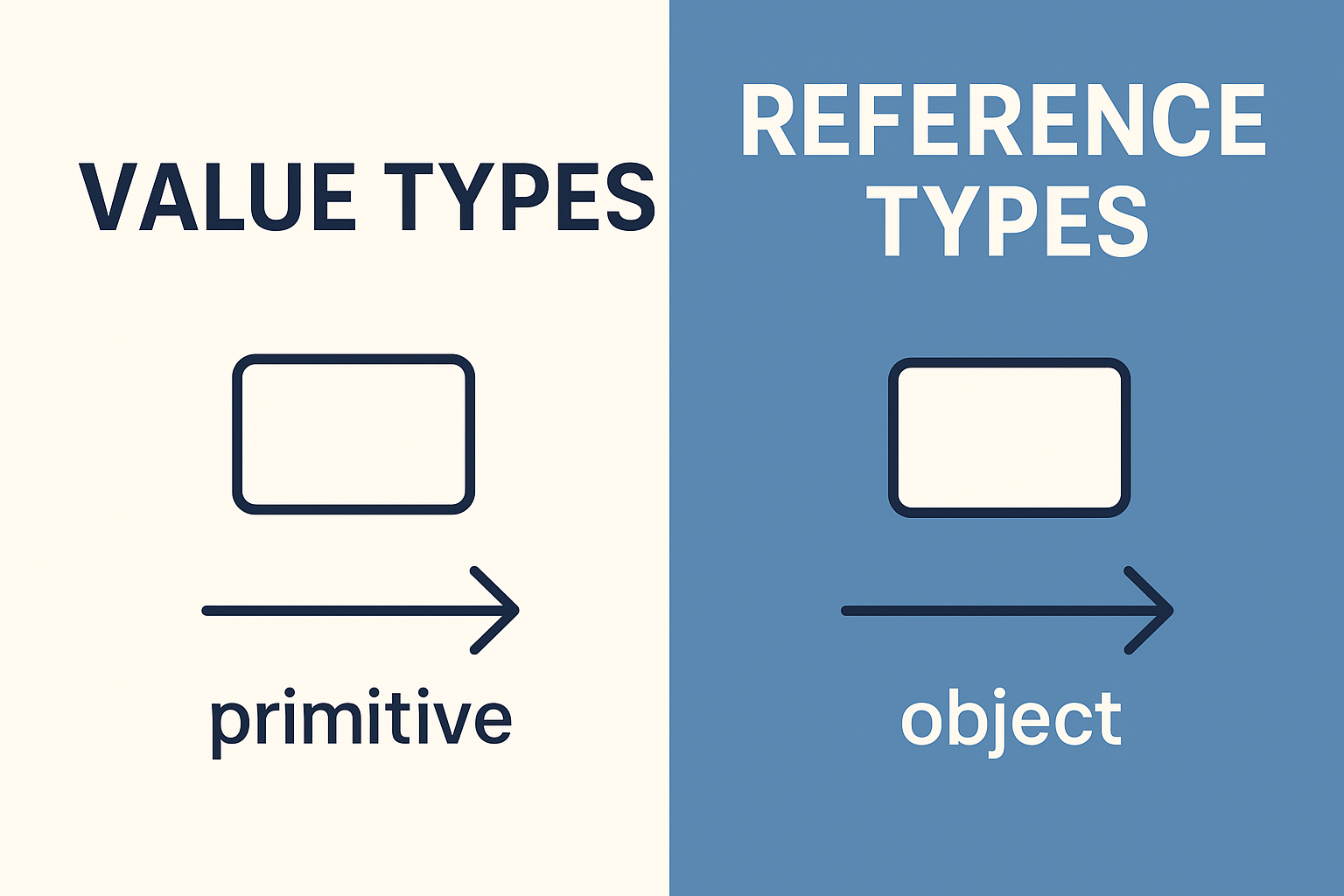
JavaScript Value Types vs Reference Types Explained
A clear guide to understanding the difference between value types and reference types in JavaScript, with examples, quirks, and best practices.
Mastering the JavaScript Call Stack: A Complete Guide from Beginner to Expert
Learn how the JavaScript call stack works with practical examples, explained step by step for beginners, intermediates, advanced, and expert developers.